Organize your video content
Upload and organize all of your branded product and lifestyle videos in one library. Review prepared clips and select the right content before you schedule a publish.
Publish branded short-form video at scale, from one workspace.
Honlink is a video publishing platform for creators, agencies, and commerce teams selling into international markets. Create an account, connect the social accounts you own or manage, upload your branded video assets, and publish them through an authorized workflow — with full status tracking for every post.
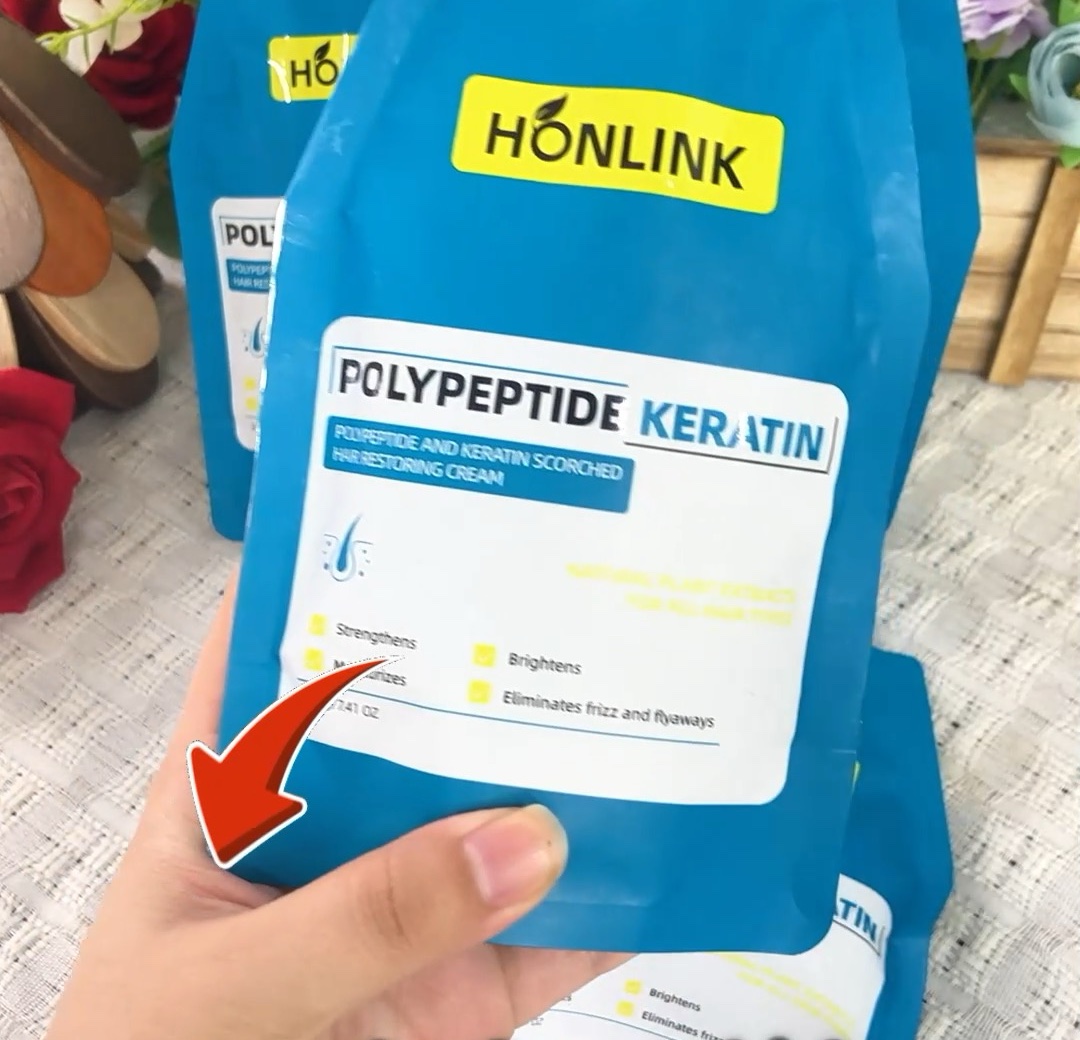
Upload and organize all of your branded product and lifestyle videos in one library. Review prepared clips and select the right content before you schedule a publish.
Connect the social accounts you own or manage, choose captions and privacy levels, and submit video content only after you grant the required permissions.
Each post records a publish identifier from the platform API, and you can check processing status until every publish completes.
Honlink requests permissions only for creator information, video upload, direct publishing, and status retrieval that your selected publishing workflow needs. You stay in control, and you can revoke access at any time.
Honlink uses account authorization and publishing responses to complete user-requested posting actions. Legal terms and privacy details are always available.
Honlink is a public, English-language service open to creators, brands, and agencies worldwide in the markets where TikTok operates — including North America, Europe, the United Kingdom, Australia, the Middle East, and Southeast Asia. Anyone in those markets can create a free account on this website and start publishing.
Honlink is not offered to users in mainland China. TikTok is not available there, and we do not provide this service to mainland-China audiences. Our own use of the platform is cross-border: we publish our overseas product content to the international TikTok accounts we own.
| Service availability | Worldwide, excluding mainland China |
|---|---|
| Website access | Public — no login required to browse; free account required to publish |
| Hosting location | Los Angeles, United States |
| Interface language | English |
| Billing currency | USD |
Honlink is operated by Xiamen Tongling Technology Co., Ltd., a cross-border commerce company that develops and sells its own consumer products into overseas markets. Our team is available for product support, integration questions, and account authorization help. Contact us at support@honlink.viphh77.com, or read more about the company.
Yes. Publishing requires a Honlink account and a social account that you have authorized. Creating an account is free.
Honlink publishes to TikTok through the official TikTok Content Posting API. Additional platforms are planned.
Honlink is available worldwide in the markets where TikTok operates, and the website is publicly reachable from any of them. It is not offered to users in mainland China, where TikTok does not operate.
Yes. You can disconnect an account inside Honlink at any time, and you can also revoke Honlink's access from the social platform's own settings.